Yaw Boateng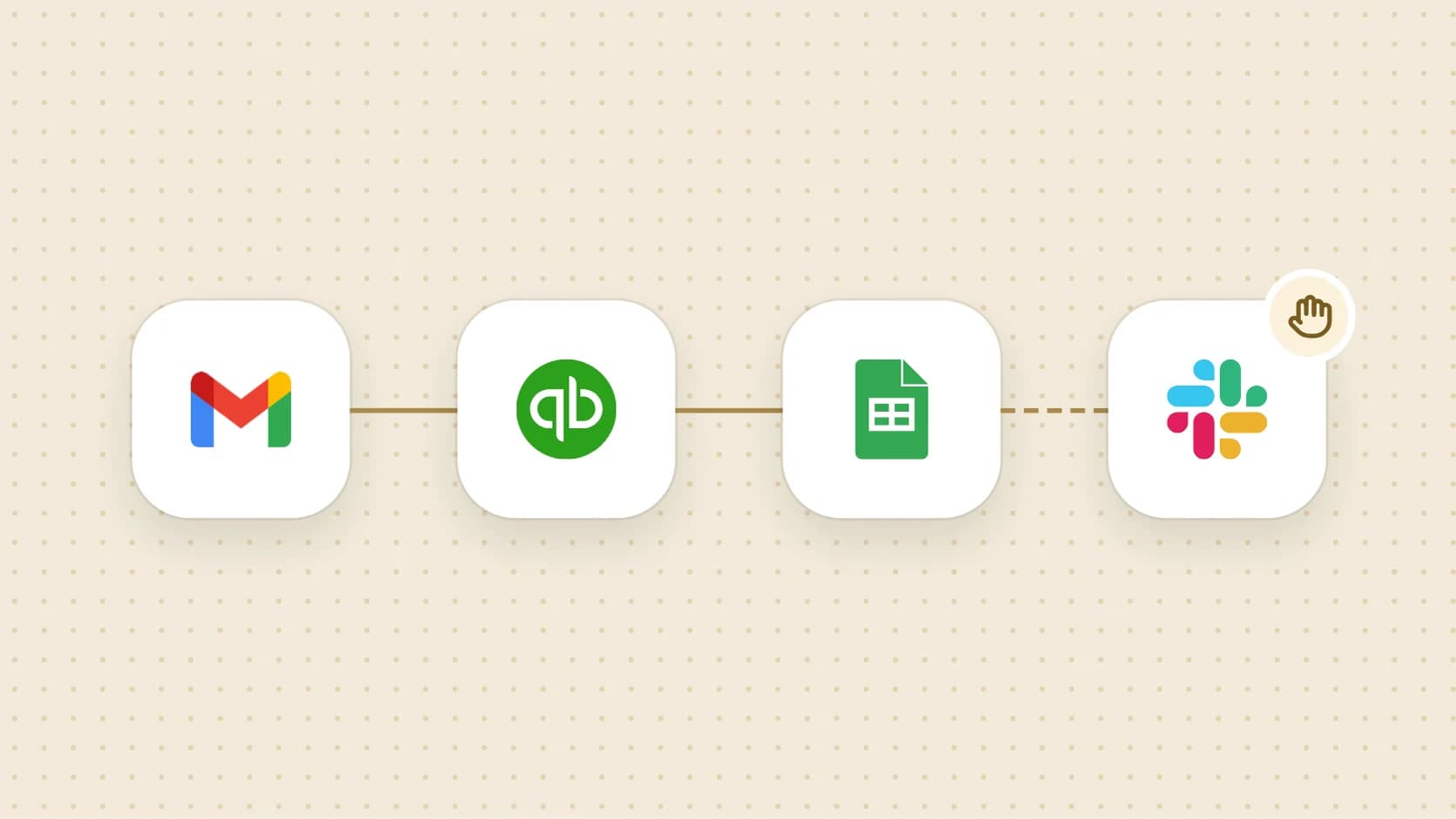
The last few days of the month tend to go the same way. Someone searches the inbox for receipts, pastes them into a sheet, finds a few that match nothing, then turns to the invoices that are now late. None of it is hard. It takes hours, though, and a missed row only shows up later, when the numbers don’t tie.
This playbook takes the parts that repeat every month and turns each one into a runbook you can read, test and schedule. It also marks the places where a person should still look before anything reaches the books or a customer.
Split the close into jobs that repeat
Write down what you actually do each month, in the order you do it. Keep each item small enough to describe in a sentence or two. Your list might start with these four jobs, and each one has a template you can begin from:
- Collect receipts. Find purchase confirmations in email and put one row per purchase in a tracker. Template: Collect this month’s receipts into a tracker.
- Chase overdue invoices. Check which invoices are late and prepare the follow-up. Template: Run my overdue-invoice collections sweep every Monday.
- Check the close. Walk the checklist and record what is reconciled, what lacks support and who owns the rest. Template: Run a month-end close readiness check.
- Refresh the forecast. Update the cash outlook with what changed this month. Template: Refresh my 13-week cash-flow forecast.
Leave the judgment calls off the list: whether an expense was really for the business, whether to write an invoice off, when to pick up the phone. A runbook can gather the evidence for those decisions. Making them stays with you.
A worked example: receipts into a tracker
Here is how the first job might look, as an illustration. Say you keep a close sheet in Google Sheets with a Receipts tab, your books are in QuickBooks, and your team talks in Slack. You connect those apps once, then tell Griddy what you want in plain words:
At the start of each month, find last month’s receipts and purchase confirmations in Gmail, match them to QuickBooks transactions, and add one row per purchase to the Receipts tab of our close sheet. Mark anything without a match. Then post a short summary in #finance, but ask me before you post it.
Griddy turns that into a runbook with named steps, and each step says what done looks like. For the request above, the steps would read roughly like this:
- Find receipts in Gmail for the month. Done when every candidate email is listed once, with repeat confirmations for the same order grouped together.
- Match them to QuickBooks. Done when each receipt is either matched to a transaction or marked unmatched.
- Write rows to the sheet: date, merchant, amount, currency, category, receipt link and match status. Done when there is one row per purchase and missing receipts are clearly marked.
- Wait for you. The run pauses here until you approve the summary.
- Post the summary to Slack.
Read the steps before you run anything. Two details are worth checking now: that the columns match your sheet, and that duplicates are judged by something sensible, like the order number, since the same purchase often sends a receipt and a shipping email.
The fourth step is there because you asked for it. Approvals in a runbook go where you put them. If a step should never happen without a person looking first, say so in the request, and it becomes part of the runbook.
Test it on last month, then schedule it
The safest first run is a month you have already closed by hand. Point the runbook at a copy of the sheet, run it once as a test, and compare its rows with yours. The test view shows what each step did, so a wrong match or a missed receipt is easy to trace back to the step that caused it.
Once the rows agree, publish the runbook and give it a schedule, such as the first business day of the month. Scheduled runs happen in Infragrid’s cloud, so your Mac can be closed or off when the time comes. This one only uses connected apps, so it needs no browser either. A runbook with browser steps would also need one of your cloud browser profiles, signed in to the sites it visits.
Every run is kept in the runbook’s Run history, so next month you can see what it found and what it left for you to check.
Chase overdue invoices with drafts you send
Collections is easy to put off, and it’s the job where tone matters most. The collections sweep template is written to do the legwork and stop short of the customer. It reviews overdue invoices in QuickBooks, skips anything already paid, disputed or promised, reads the earlier email thread, and drafts a follow-up matched to how late the invoice is and what was said before. The drafts stay unsent. It updates your review tracker and calls out high-value or sensitive cases on their own.
The template suggests Mondays at 9am, which spreads the chasing across the month and leaves less for the last week. Your review point is the stack of drafts: read each one, edit what needs a human touch and send it yourself. If you later want the runbook to send routine reminders, add that as a step that asks you first, and keep the disputed and high-value cases with a person.
What a person should still check
Each template writes down what it won’t do. Those lines tell you where your review belongs:
| What to look at | Why it stays with you | |
|---|---|---|
| Receipts tracker | Unmatched rows and rows missing a receipt | A missing receipt can mean a lost email, or a charge nobody recognizes. |
| Collections sweep | Every draft, plus the disputed and high-value cases | Timing and tone with a customer are judgment calls. |
| Close readiness check | Open variances and items without an evidence link | It updates the checklist. Posting journal entries and finalizing the close are yours. |
| Cash-flow forecast | Changed assumptions and the weeks flagged as tight | It documents assumptions and doesn’t move money. Timing payments is your decision. |
Make a habit of opening the run itself as well as the sheet. Anything a step marked unmatched or uncertain is the first row to read.
Start with the job you dread most
You don’t need all four runbooks before the next close. Pick the job that eats the most time, open its template, and use the prompt as your starting sentence. Adjust it to your sheet, your inbox and your review points, then test it on a month you already know.
To try it, download Infragrid and describe the job to Griddy. The full template list has more finance and ops runbooks when you’re ready for the next one.