
Infragrid Capture for Chrome
Capture once.
Run it again.
Turn the work you do in Chrome into step-by-step runbooks. Capture your process, review the details, and bring it into Infragrid.
Available in the Chrome Web Store.
Get started
Add to Chrome.
Then just do your thing.
Install from the Chrome Web Store, sign in, and start capturing.
- 01
Add to Chrome
Install Infragrid Capture directly from the Chrome Web Store.
- 02
Sign in with Google
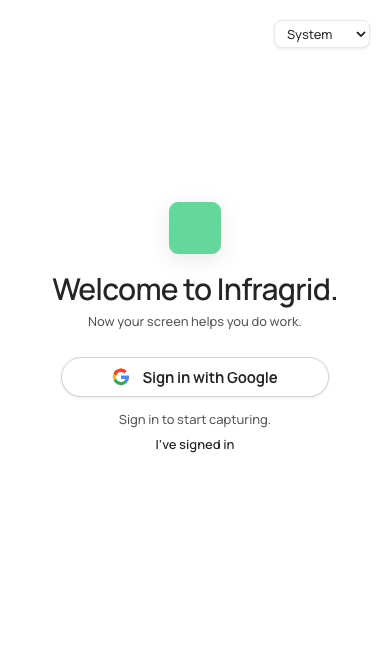
Pin Infragrid Capture and open its side panel. Sign in with Google through app.infragrid.ai, then return to the extension.
- 03
Capture your task
Open the website you want to record, choose Start capture, and allow website access. Finish, review your steps, and choose Convert to runbook.
You decide what becomes a runbook.
Capture starts only when you ask. Typed values are omitted and form fields are masked in screenshots. Review other visible page content before saving. Your recording stays in the extension until you choose to hand it to Infragrid.